

DESIGNING YOUR HOME WORKSPACE FOR WELLBEING
In my latest article, I talked about sense-hacking our homes to improve our wellbeing. Now, I want to get practical and talk about something many of you are dealing with right now: your home workspace.
Because let's be honest - how many of you are still working at the kitchen table? Or squeezed into a corner of the bedroom? Maybe you've got a dedicated space, but it just doesn't feel right. You can't focus, your back aches by lunchtime, and by the end of the day, you feel more drained than when you worked in an office.
I'm going to share with you today how to design a workspace that actually supports your wellbeing and productivity, even if you're working with limited space or budget. And we'll look specifically at how to create an environment that helps you focus - especially important if you or someone in your household has ADHD or finds concentration challenging.

Why Your Workspace Matters More Than You Think
Here's something I learned through years of adapting our home for my daughters: your environment either works with you or against you. There's no neutral.
When my younger daughter was struggling with anxiety and focus during her studies, we discovered that her workspace setup was actually making things worse. The clutter was overwhelming her. The harsh overhead light was triggering headaches. She was facing a blank wall with no visual relief. Once we redesigned her study space with her needs in mind, everything changed.
The same principles apply whether you're managing ADHD, anxiety, physical discomfort, or simply trying to do your best work from home.
The Five Foundations of a Wellbeing Workspace
Let me walk you through five essential elements. You don't need to tackle all of these at once - even one change can make a significant difference.
Foundation One: Location, Location, Location
First, let's talk about where you're working. I know many of you don't have a spare room to convert into an office. That's okay. But if you're working at the kitchen table, we need to address something important: your brain struggles to separate work from life when they happen in the same physical space.
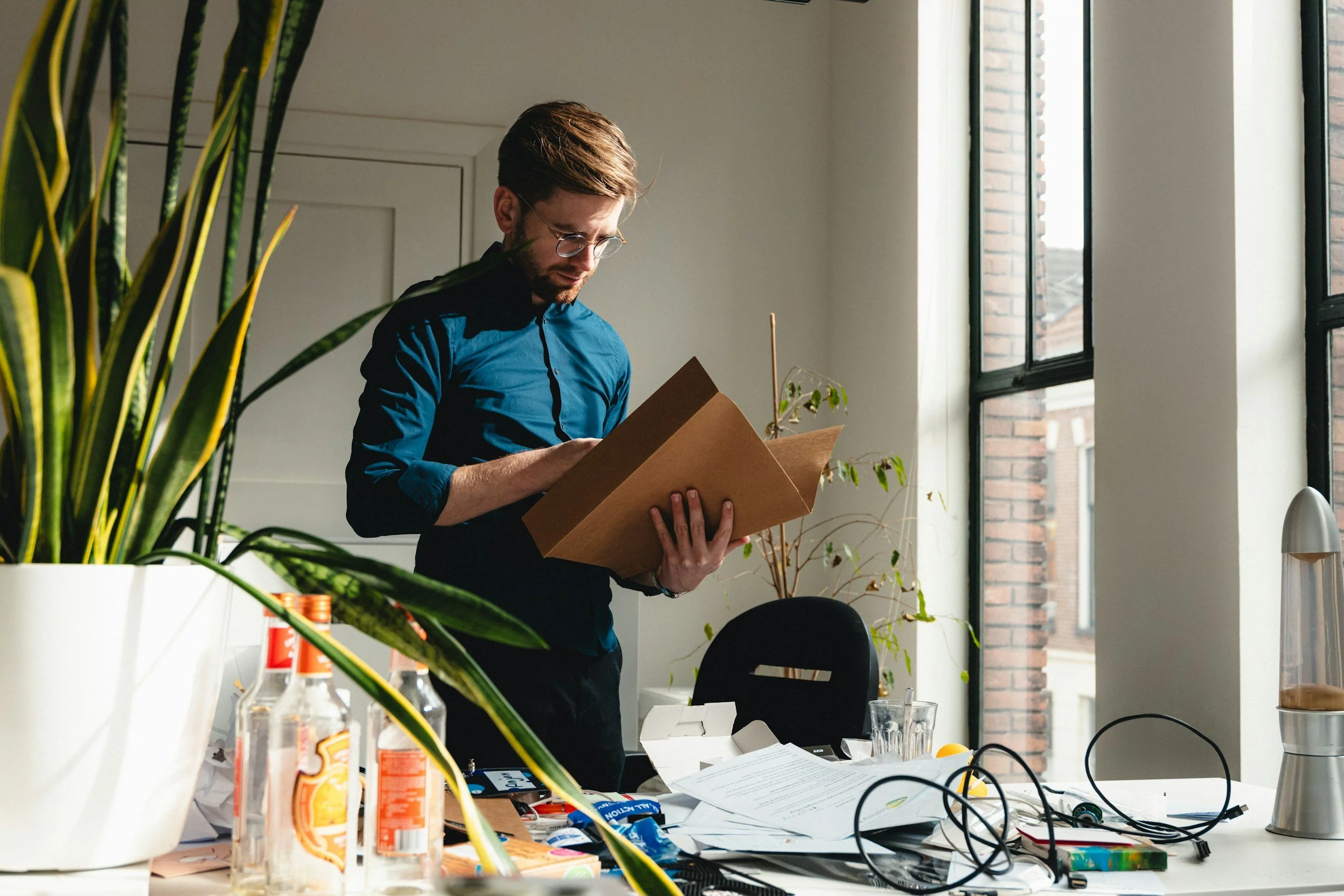
When working from a multi-purpose space, your brain will struggle to separate work-life from private life.
Here's what you can do:
If you have a spare room or dedicated space - brilliant. Make sure it has a door you can close. This physical boundary is crucial for mental separation between work and home life.
If you're working in a multi-purpose room - use furniture or screens to create a visual boundary. A bookshelf, a room divider, even a large plant can signal to your brain: "this side is work, that side is home." When work is done, if possible, turn your chair away from your desk or cover your workspace with a cloth. Out of sight, out of mind.
If you're at the kitchen table - and I know this is reality for many of you - create a "work kit" that you set up each morning and pack away each evening. A laptop stand, your notebook, a small plant, perhaps a desk lamp. The ritual of setting up and packing away helps your brain transition in and out of work mode.
For focus and ADHD: Location is critical. Face away from high-traffic areas if possible. Visual distractions are kryptonite for focus. If you can't avoid them, consider a desk divider or position a tall plant to block your peripheral vision of movement.
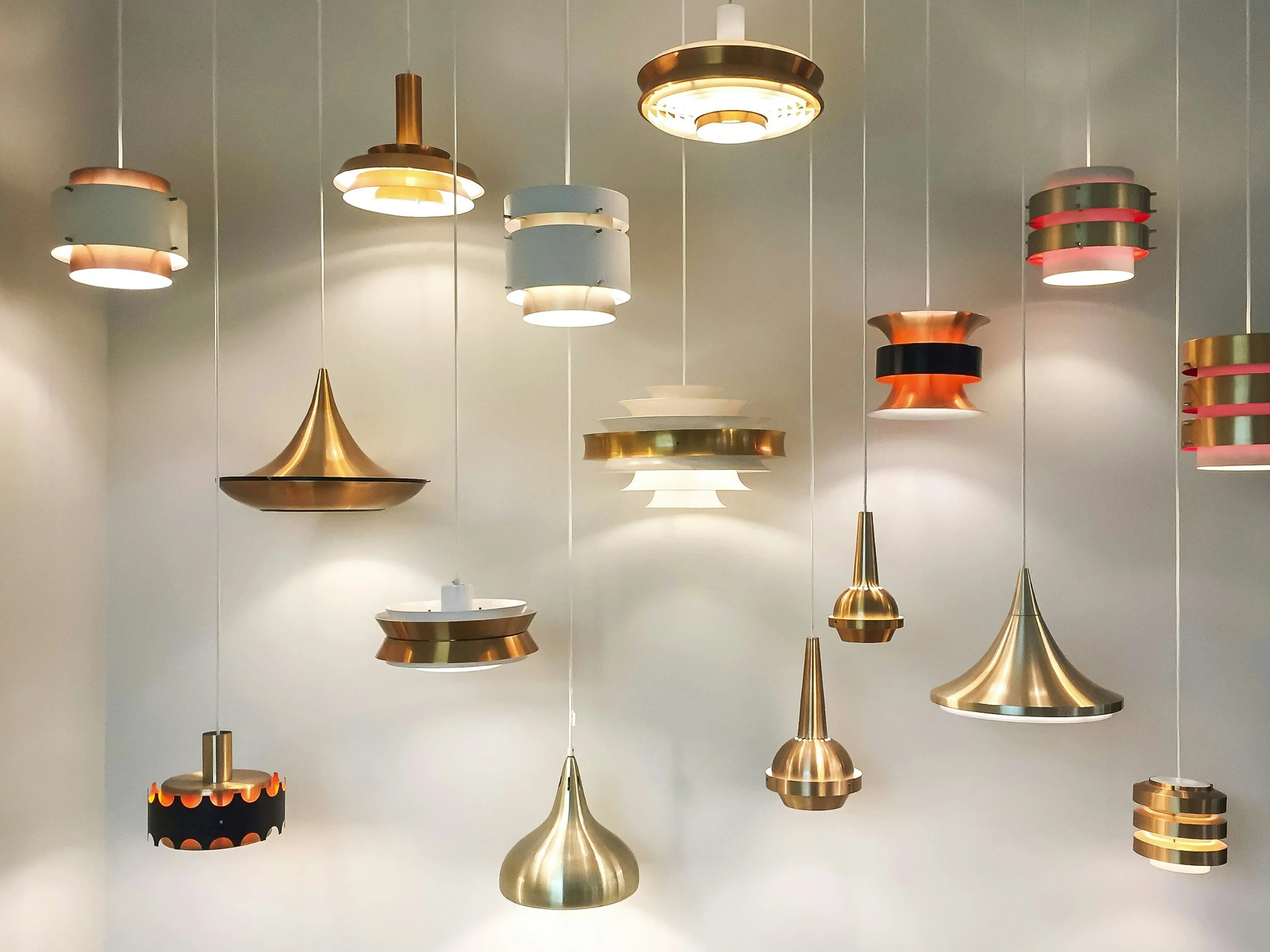
Remember to layer your lighting. Natural, task, ambient lighting should all come together to provide you with the right type of light at the right time of the day for the task you are working on.
Foundation Two: Light - Your Secret Weapon
Poor lighting is one of the biggest workspace problems I see, and it's affecting your wellbeing in ways you might not realize.
Overhead lighting alone is almost always inadequate and can cause eye strain, headaches, and fatigue. Here's what you need:
Natural light first - position your desk near a window if at all possible, but not facing it directly or with it directly behind you, as this creates glare on your screen. Ideally, natural light should come from the side. Remember what we talked about earlier with light hunger? Getting natural light while you work isn't just nice - it's essential for regulating your sleep-wake cycle and mood.
Task lighting second - invest in a good desk lamp. This is not optional. You want adjustable, warm-toned LED lighting (around 3000-4000K for work) that you can direct exactly where you need it. When I'm consulting with clients, this is often the single change that gets the most immediate feedback: "I didn't realize how much I was straining my eyes."
Ambient lighting third - if you're working early mornings or evenings, or in a room without good natural light, add a floor lamp or wall light to provide background illumination. Working with only a desk lamp creates too much contrast and strains your eyes.
For ADHD and focus: Bright, cool-toned light (around 5000-6500K) can help with alertness and concentration. Consider a desk lamp with adjustable color temperature so you can shift from energizing cool light during focus work to warmer, calming light for less intense tasks.
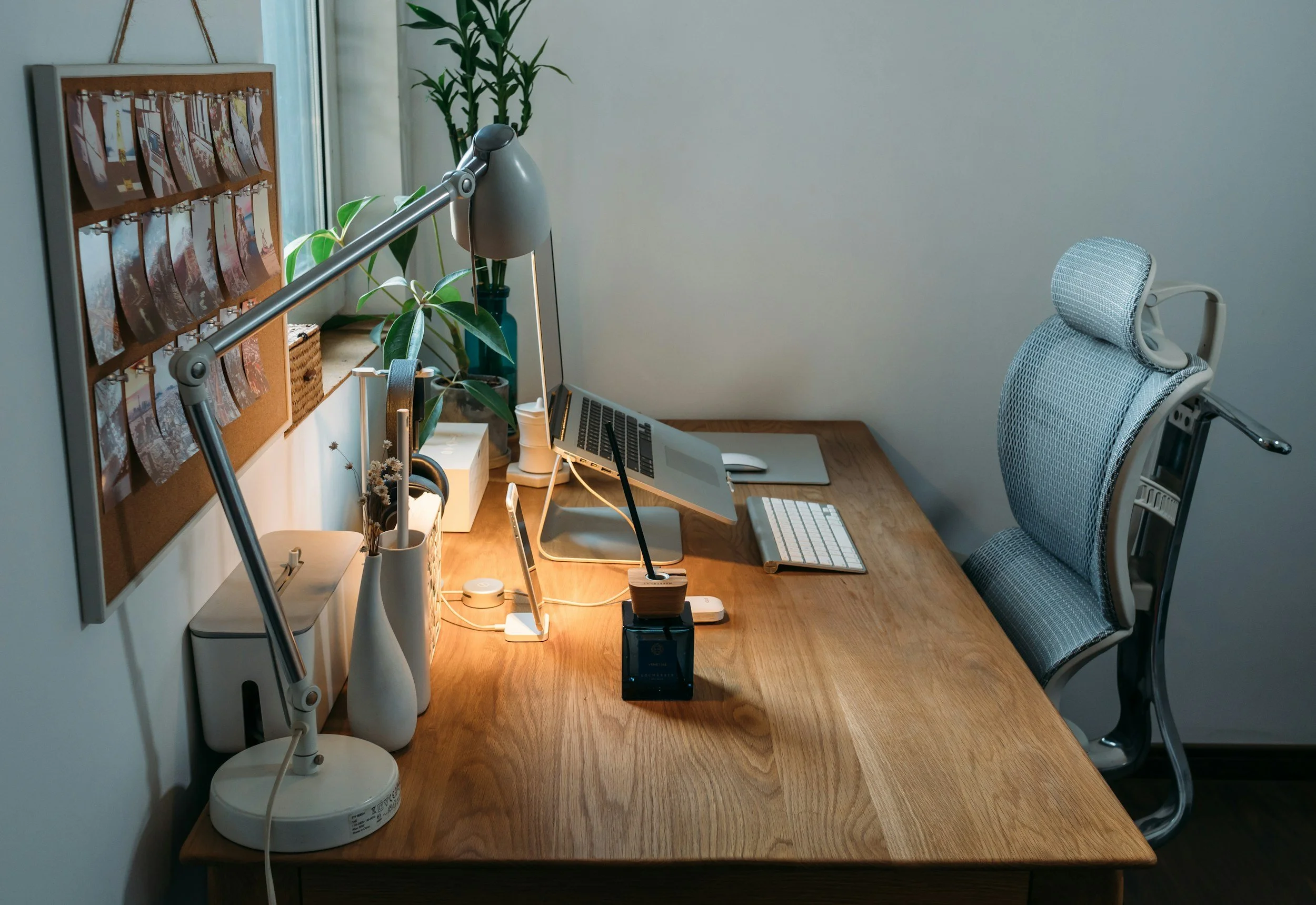
Ensure your chair and desk support both your body and mind!
Foundation Three: The Chair and Desk - Your Foundation
I can hear some of you groaning because you think I'm about to tell you to spend hundreds on an ergonomic chair. I'm not.
But I am going to insist you take your seating seriously.
Poor posture isn't just uncomfortable - it reduces oxygen flow to your brain, increases fatigue, and over time can cause chronic pain. Through adapting spaces for my older daughter's physical needs, I learned that positioning and support are everything.
Your chair needs to:
Support your lower back (add a cushion if it doesn't)
Allow your feet to rest flat on the floor (use a footrest if they don't)
Let your arms rest at a 90-degree angle when typing
Your desk height should:
Allow your elbows to bend at roughly 90 degrees when typing
Position your screen at eye level (use books or a laptop stand - your neck should be neutral, not craning down)
If you're at a kitchen table that's too high, a cushion on your chair can help. If it's too low, you can raise your entire setup with risers - even sturdy books under your monitor and laptop stand can work.
The 20-20-20 rule: Every 20 minutes, look at something 20 feet away for 20 seconds. Set a gentle timer. This gives your eyes and posture a micro-break.
For focus: Physical discomfort is a major distraction. If you're constantly shifting position or your back aches, your brain can't focus on work. For some people with ADHD, a wobble cushion or standing desk converter can provide the movement input that actually helps concentration.
Foundation Four: Managing Visual Clutter and Distraction
This is where interior design meets neuroscience, and it's absolutely crucial for focus.
Your visual environment is constantly feeding information to your brain. Clutter, mess, unfinished tasks within your sightline - all of these are pulling at your attention whether you realize it or not.
Create zones:
Active work zone: Your immediate desk surface - keep only what you're using RIGHT NOW
Reference zone: Within arm's reach - things you use daily
Storage zone: Everything else - out of sight
The ADHD brain and visual clutter: For neurodiverse individuals, visual distraction isn't just annoying - it can make focus nearly impossible.
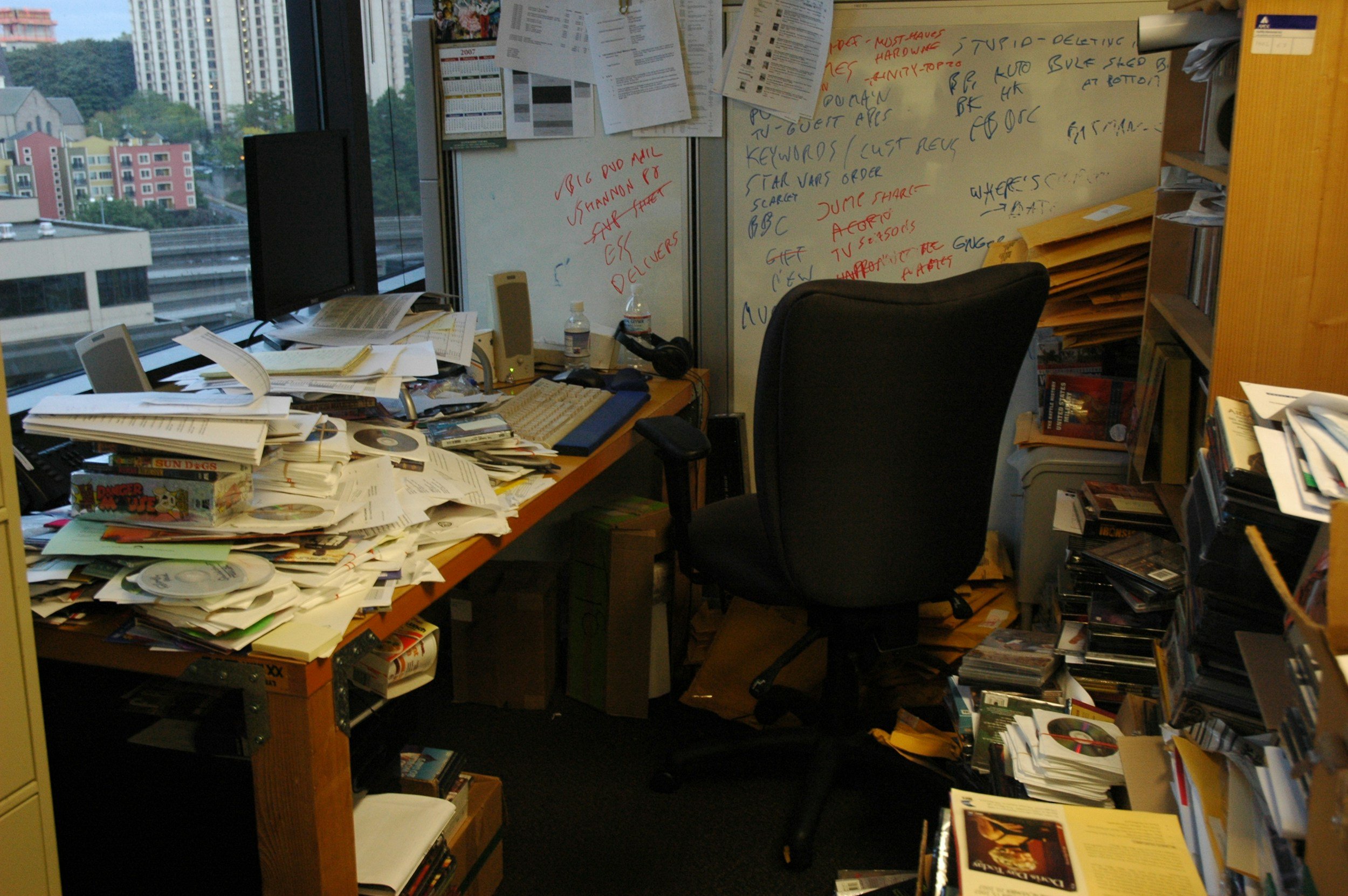
Cluttered space, cluttered mind!
Here's what helps:
Use closed storage - open shelving might look stylish, but if you struggle with focus, closed cabinets or storage boxes are your friend. What you can't see can't distract you.
Single-tasking surfaces - if you can see three unfinished projects, your brain is trying to think about three things. Put away everything except your current task.
Strategic blank space - your walls don't need to be bare, but the wall you face while working should be relatively calm. A single piece of artwork or a vision board is fine. A cluttered noticeboard covered in sticky notes is not.
Color psychology - blues and greens are calming and help focus. Bright reds and oranges are energizing but can be overstimulating. If you can't repaint, use these principles in your desk accessories, artwork, or that plant we're about to discuss.
Foundation Five: Bringing Nature to Your Workspace
Remember when we talked about biophilia and the nature effect earlier? This isn't just nice to have - it's a productivity and wellbeing essential.
Studies show that having plants in your workspace can increase productivity by up to 15%, improve air quality, reduce stress, and enhance creativity. Even looking at images of nature can have benefits, though real plants are better.
The easiest office plants:
Snake plant - nearly indestructible, tolerates low light, excellent air purifier
Pothos - thrives on neglect, trails beautifully, grows in low light
Spider plant - tough, adaptable, produces baby plants
ZZ plant - extremely low maintenance, tolerates almost any condition
If you genuinely can't keep plants alive - and some of you can't, and that's fine - use high-quality nature photography. A large print of a forest scene, ocean view, or mountain landscape can provide some of those biophilic benefits.
Sound matters too - if your workspace is too quiet (which can actually be distracting for some people) or you need to block out household noise, try nature sounds: rainfall, forest ambience, ocean waves. There are excellent apps and playlists for this.
For ADHD: Some people with ADHD focus better with low-level background sound. Experiment with nature sounds, brown noise, or instrumental music. The key is finding what works for YOUR brain.

Bring easy-to-care plants into your work area
Five Changes You Can Make This Week
Let's make this actionable. Here are five specific changes you can implement right now:
Change 1: The Desk Reset (Today - Free) Clear everything off your desk. Clean it thoroughly. Put back ONLY what you use daily. Everything else goes in a drawer, box, or cupboard. Notice how this feels tomorrow morning.
Change 2: Add a Task Light (This Week - £15-50) Get a desk lamp with adjustable brightness and ideally adjustable color temperature. Position it to illuminate your work without creating screen glare. Use it every time you work.
Change 3: Elevate Your Screen (Today - Free) Use books, boxes, or whatever you have to raise your laptop or monitor to eye level. Your neck should be neutral, eyes looking straight ahead, not down. This single change can eliminate neck pain within days.
Change 4: The Plant Arrival (This Week - £5-15) Buy one low-maintenance office plant. Put it where you can see it from your desk. Water it when the soil feels dry. That's it. You're now benefiting from biophilia.
Change 5: Create a Light Ritual (Today - Free) First thing in your work day, open your curtains or blinds fully. If possible, position your desk to get natural light from the side. Last thing before you finish work, adjust your lighting to warmer tones to help your brain transition to evening.

Consider sensory tools: glass marbles in a bowl, a squidgy toy, or even a piece of textured fabric can help relieve tension and enable you to re-centre yourself.
Special Considerations for Different Needs
For limited space: A fold-down wall desk or a lap desk with a laptop stand can create a workspace that disappears when not in use. The ritual of setting up and putting away can actually help with work-life boundaries.
For limited budget: You don't need expensive furniture. I've helped clients create brilliant workspaces using second-hand desks, cushions for lumbar support, books for monitor risers, and cheap but effective task lighting. Functionality trumps aesthetics every time.
For rental properties: Use removable solutions - freestanding furniture, stick-on cable management, freestanding screens or shelving units. Everything I've suggested today can be done without making permanent changes.
For neurodiversity: Remember that your workspace needs to work with your brain, not against it. If you focus better with fidget tools, keep them in your active zone. If you need movement, consider a standing desk converter or wobble cushion. If visual stimulation helps you think, a vision board or inspiring images might be perfect. There's no one-size-fits-all.
The Bigger Picture
Your workspace is where you spend a huge portion of your life now. It deserves the same attention and care as any other important room in your home.
Through The Wellbeing at Work Studio, I work with people to create spaces that don't just look good but genuinely support wellbeing and productivity. Often, it's not about buying new furniture or doing a complete renovation - it's about understanding how your environment affects you and making strategic changes.
Whether you're managing ADHD, physical limitations, anxiety, or simply want to feel better and work more effectively, your environment can be designed to support you.
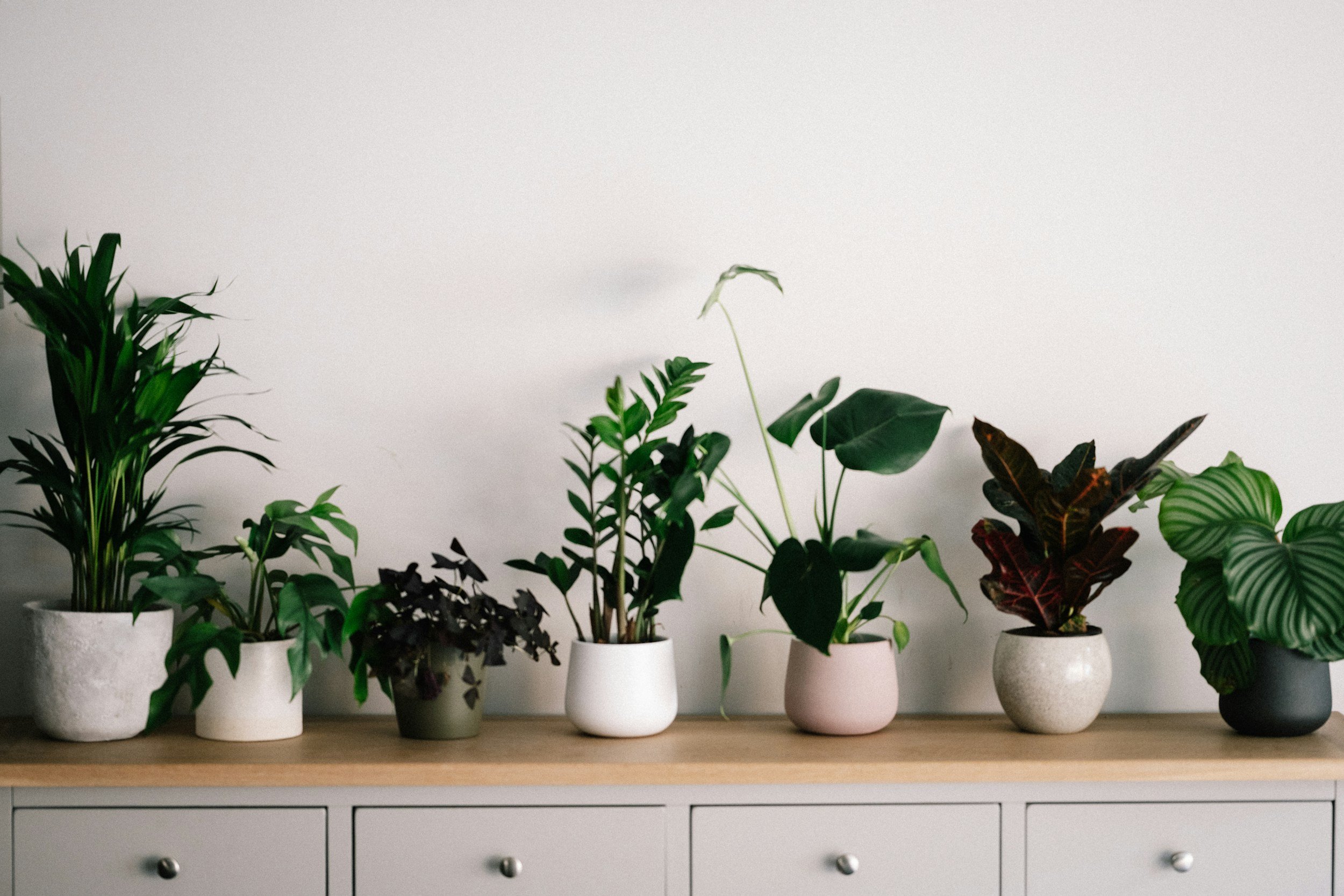
Nature is our biggest ally! Bring it indoors to boost your wellbeing and give your brain some rest - something known as Attention Restoration Theory.